Free bill splitter
Split any bill in seconds. Enter the total, add who shared it, and see what each person owes. Split equally, by percentage, or with custom amounts, tip included. There's no sign-up and nothing is saved, and shares always add up to the exact total. Giya is free to start. Join the waitlist to keep a running tally of who owes whom.
Loading the bill splitter. It needs JavaScript turned on.
Split any bill, your way
Equal, percentage or custom
Share the cost evenly, or give each person their own percentage or amount.
Tip included
Add a tip percentage and it is split along with the bill.
Free, with no sign-up
Use it as often as you like. Your numbers stay in your browser.
Then keep track in Giya
Giya is free to start. Log shared costs, see balances and send reminders. Join the waitlist.
How to split a bill with friends in 4 steps
Enter the bill
Type the total and pick your currency. Add a tip percentage if you want to include one.
Add who shared it
Add a name for each person who shared the bill. You can add up to 12 people.
Choose how to divide it
Pick equal, percentage or custom amounts. Percentages must total 100%, custom amounts the bill.
See what each person owes
The split bill calculator shows each share, rounded so they add up to the exact total.
Ways to divide a bill
Equally. The simplest way to split a restaurant bill when everyone ate about the same.
By percentage. Use it when people pay different shares, like 50, 30 and 20.
By custom amount. Use it when everyone ordered something different. Enter what each person owes.
With a tip. Add the tip percentage and the tip is divided with the bill, so nobody does tip math at the table.
Shared bills at home. Divide electricity, water and internet between housemates, and use the rent split calculator for the rent. Then keep every shared cost in one place with Giya.
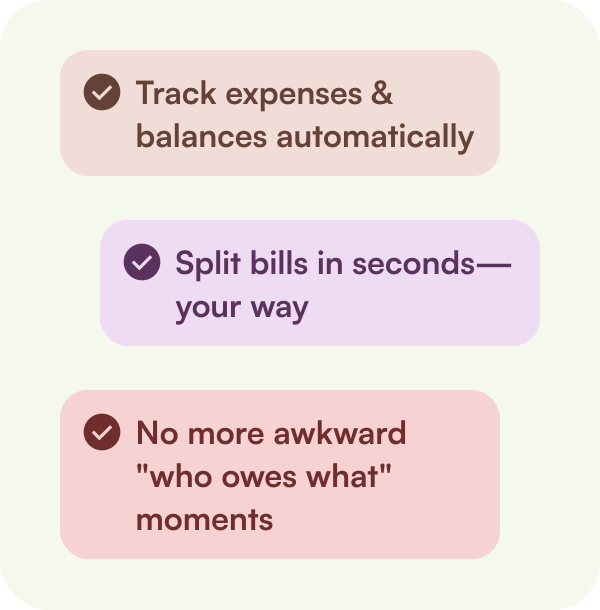
Track. Split. Settle. All in One App.
Frequently asked questions
How do I split a bill with friends?
Enter the bill amount, add everyone who shared it, and pick how to split. The calculator shows what each person owes.
How do I split a bill by percentage?
Choose By percentage and enter each person's share. The percentages need to add up to 100%. For a $100 bill split 50, 30 and 20, the shares are $50, $30 and $20.
How is the tip split?
The tip is added to the bill first. Then the total is split the way you chose. Leave the tip empty if there isn't one.
Can I split a bill with someone who doesn't have Giya?
This calculator needs no app or sign-up. In Giya, you can also include friends who don't have the app yet.
Does Giya move money?
No. Giya tracks and splits shared costs. Settle up means recording that someone paid back. It doesn't transfer money. Giya is free to start and isn't in the app stores yet, so join the waitlist.
Track expenses and split bills with Giya.